
Line & shape
The Infinity Band: Clinia's line and shape visual language, and how to use it.
The Infinity Band
Beyond the logo, Clinia's visual world is built on the Infinity Band, one form expressed two ways: as line and as shape. Both derive from the logo's overlapping, tapering geometry.
Line language
A dynamic family of line shapes for marketing material: framing a layout, or drawing emphasis to text.
↓ Download the 12 lines (.zip)The line keeps the same width at any size. For print or design tools, use the originals in the brand drive.
Colours
A line takes one brand colour, chosen for the ground it sits on. Vital works as a line on a light ground, never as a fill.
In use
As a card background, one line shape scaled well past the card and cropped by it: see Backgrounds, where LineBackground renders it at any size.
Do
- Keep the line the same width everywhere, at every size: scale the shape proportionally.
- Use linework to frame a layout or draw the eye to text, with room around it.
- Use only Clinia brand colours.
Don't
- Run a line under or through text.
- Stretch, skew or redraw the geometry, or add abrupt edges.
- Add a line with no purpose, or beside competing graphics.
Shape language
Compositions
Each composition sets the band on a brand ground, with soft glow spheres behind it. Download one whole, or a band alone to make your own. On the web, crop the band: see Backgrounds.








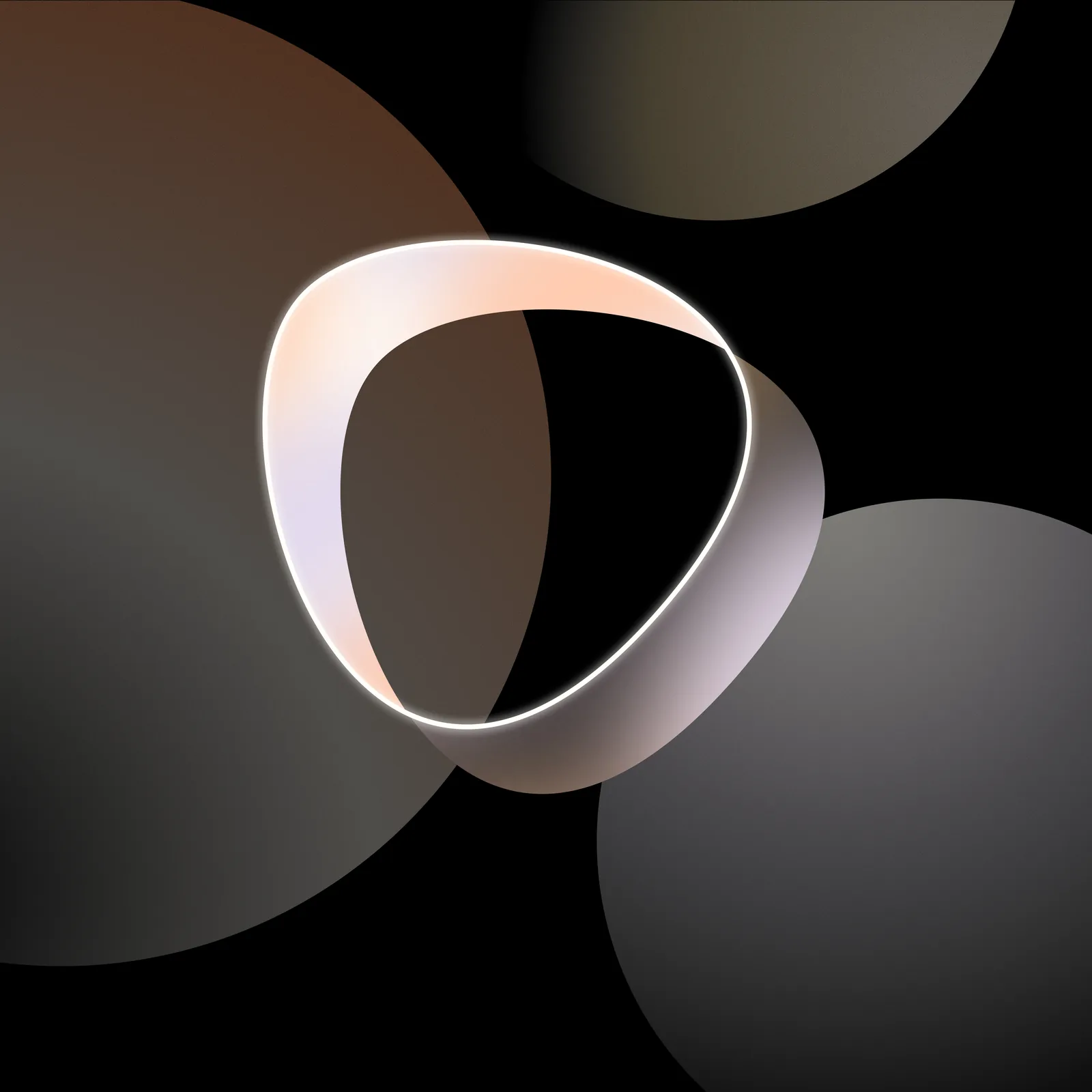
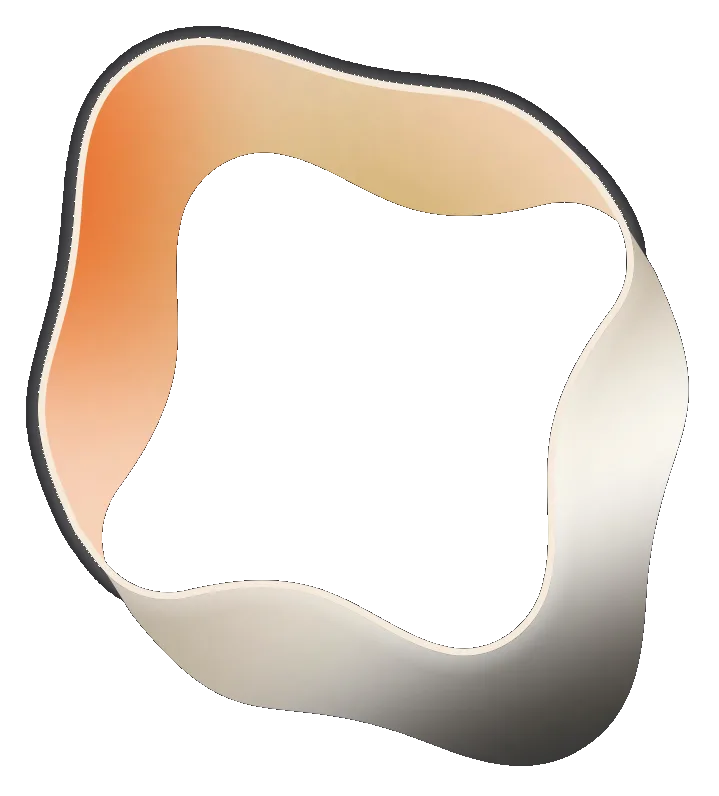
The bands alone, on a transparent background. The twist and ring vectors work on any ground; the seven forms are cut for dark grounds.


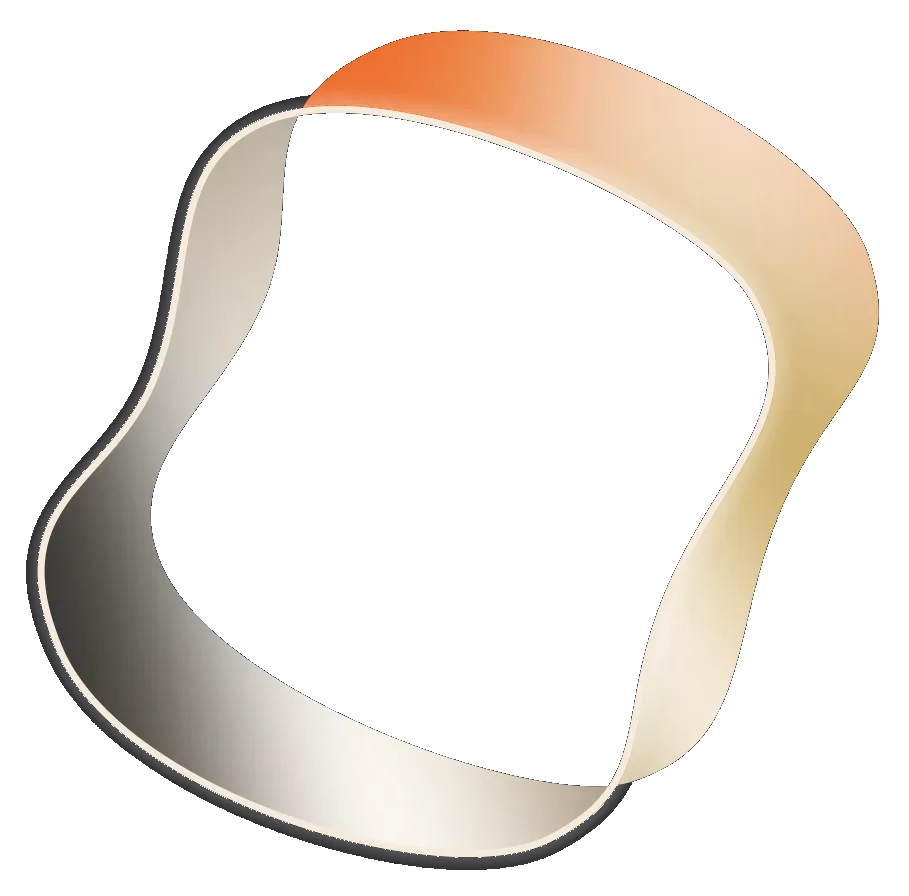
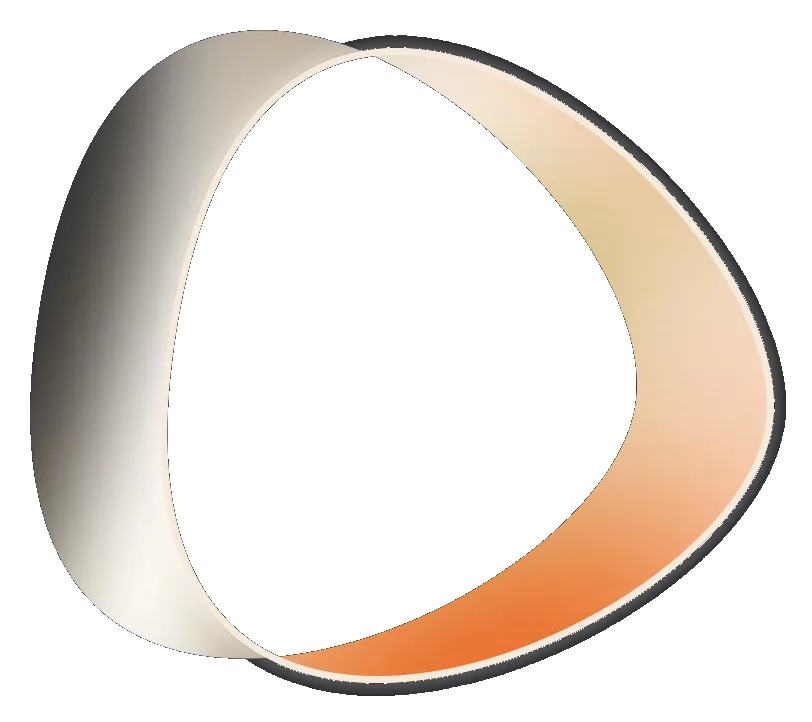
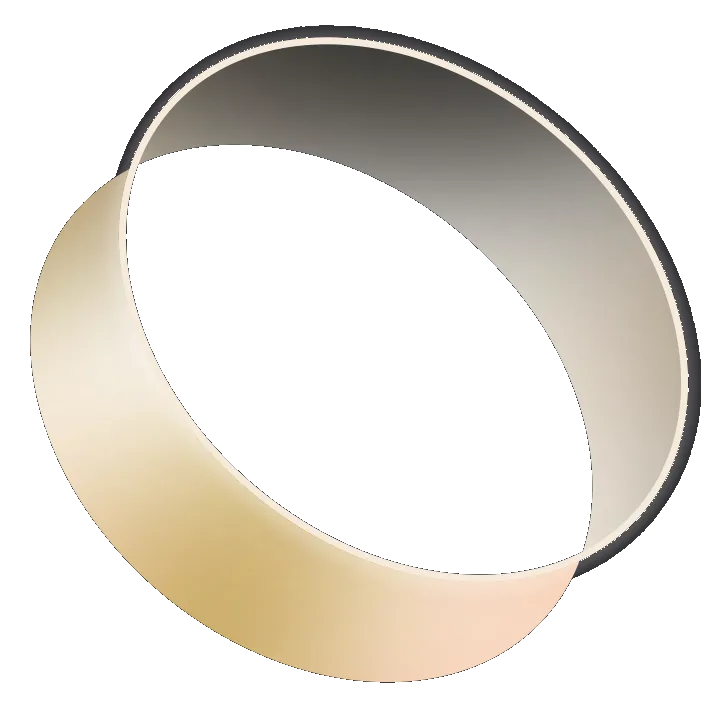





Background field
The band also works as a background: one vector band scaled past its container, cropped by it and softened, with the copy on the flat part of the ground. See Backgrounds, where BandBackground renders it from the twist and ring vectors at any size.


Do
- Keep the tapered twist or the ring as the focal point, with its glow spheres around it.
- Use the band's own gradients.
- Crop the band, and blur it when it sits behind copy: a partial reveal reads as motion.
Don't
- Use a band on its own, without its glow spheres.
- Fill it with flat colour.
- Centre it in a static layout, or add it only to fill space.