
Imagery
Which photo to use on Clinia marketing, how to place it and how to put text on it.
Which photo to use, where it comes from and how to set it on a page.
Approved images
Use only images from the two approved folders in the internal brand drive.
| Folder | What's in it | Where to use it |
|---|---|---|
| 09 Stock Images | Purchased stock photos, free to use | All Clinia marketing material |
| 10 Lifestyle photos | Real Clinia employees | With caution: see Photos of employees |
The marketing lead owns the selection criteria beyond art direction, such as licensing, diversity and fit for French and English audiences.
How to choose a photo
| If the section is… | Use |
|---|---|
| About a person: the team, a testimonial, a byline | A portrait, in the format the space needs (see Portrait) |
| About a scene or a mood: a hero, a section opener, a promo band | A lifestyle photo |
| A product or use-case page that no employee photo fits | A stock photo from 09 Stock Images |
Portrait
Portraits show the people behind Clinia. Choose the format by the space it fills, and never mix in older or self-supplied photos.
| Format | Crop | Use it for |
|---|---|---|
| Studio, half body | 4:5 | Team grids, speaker and author bios |
| Studio, headshot | 1:1 | Avatars, bylines and short lists |
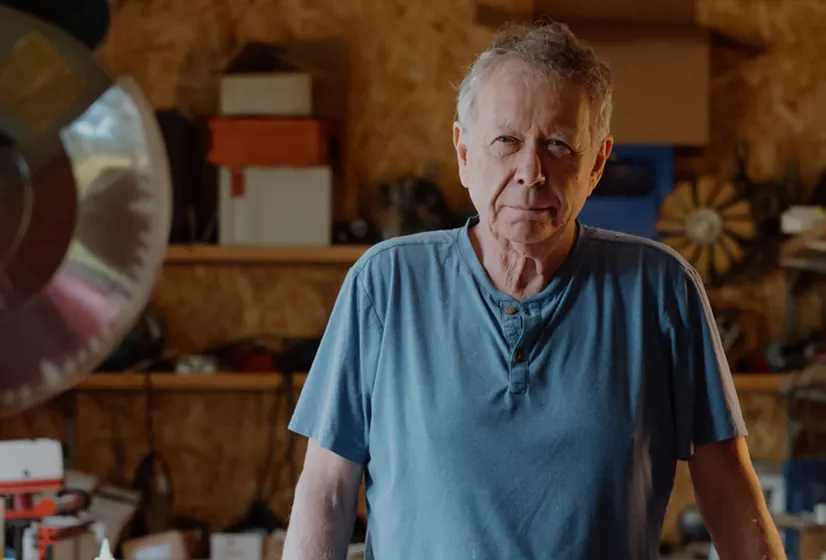
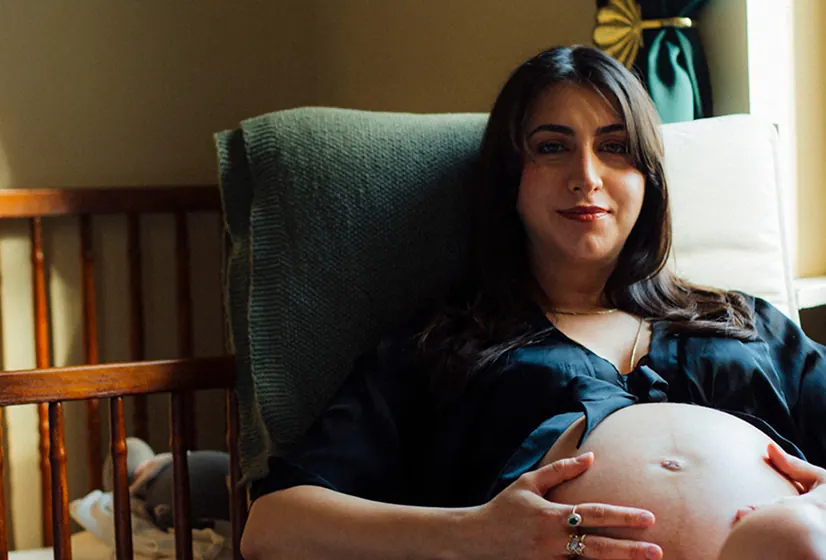
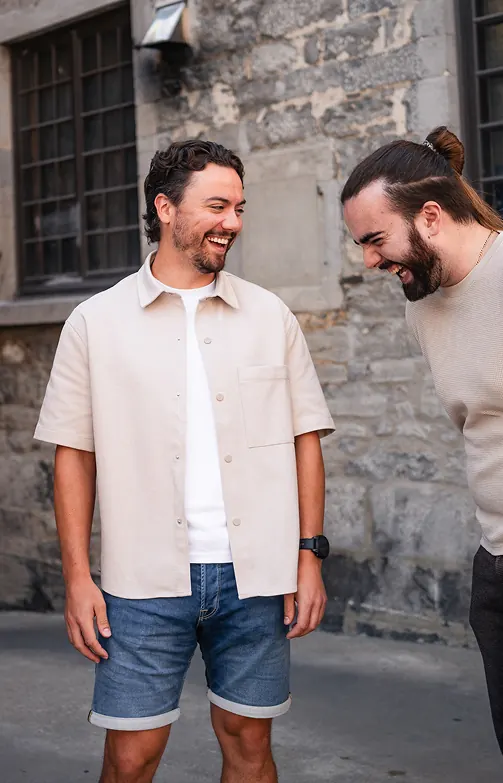
| Environmental | 1:1 | Careers, Culture, testimonials and social posts |
The studio shots share one warm taupe backdrop and soft light, so a grid of them reads as one team. The environmental shots are taken at the office, with the background kept soft behind the person.
Studio, half body



Studio, headshot



Environmental



Photos of employees
The people in Clinia's photos are colleagues, not models. Their consent decides where a photo can go, and they can withdraw it.
Do
- Use an employee photo only where the person has agreed to the specific use, such as the website, social posts or sales decks. If you're not sure, ask the marketing lead.
- Show employees as who they are: Clinia's team, culture, careers and events.
Don't
- Present an employee as a customer, a clinician or a patient.
- Put an employee photo in a paid ad or in partner material, unless approval has been granted for that use.
- Use the photo of someone who left Clinia or withdrew consent. Leave it out of new material, and take it off live pages at the next update.
- Alter an employee's likeness: no AI edits, no background swaps that change the context, no composites.
Lifestyle
A lifestyle photo focuses on a scene and sets the brand's mood. It blends the seriousness of mission-critical work with the ambition for better human health: dramatic lighting, real environments and people interacting.
Lifestyle photos mix everyday employee photos and purchased stock images. An employee photo follows the same rules as above.



Layouts
Every photo is a rectangle with rounded-lg corners, the marketing --radius, set on a light brand surface (see Colour). The line language goes beside a photo, never on or around it (see Line & shape). These are the layouts all marketing surfaces should repeat: each one shows its template and crop beside the section rebuilt live, with the site's own photos and copy.



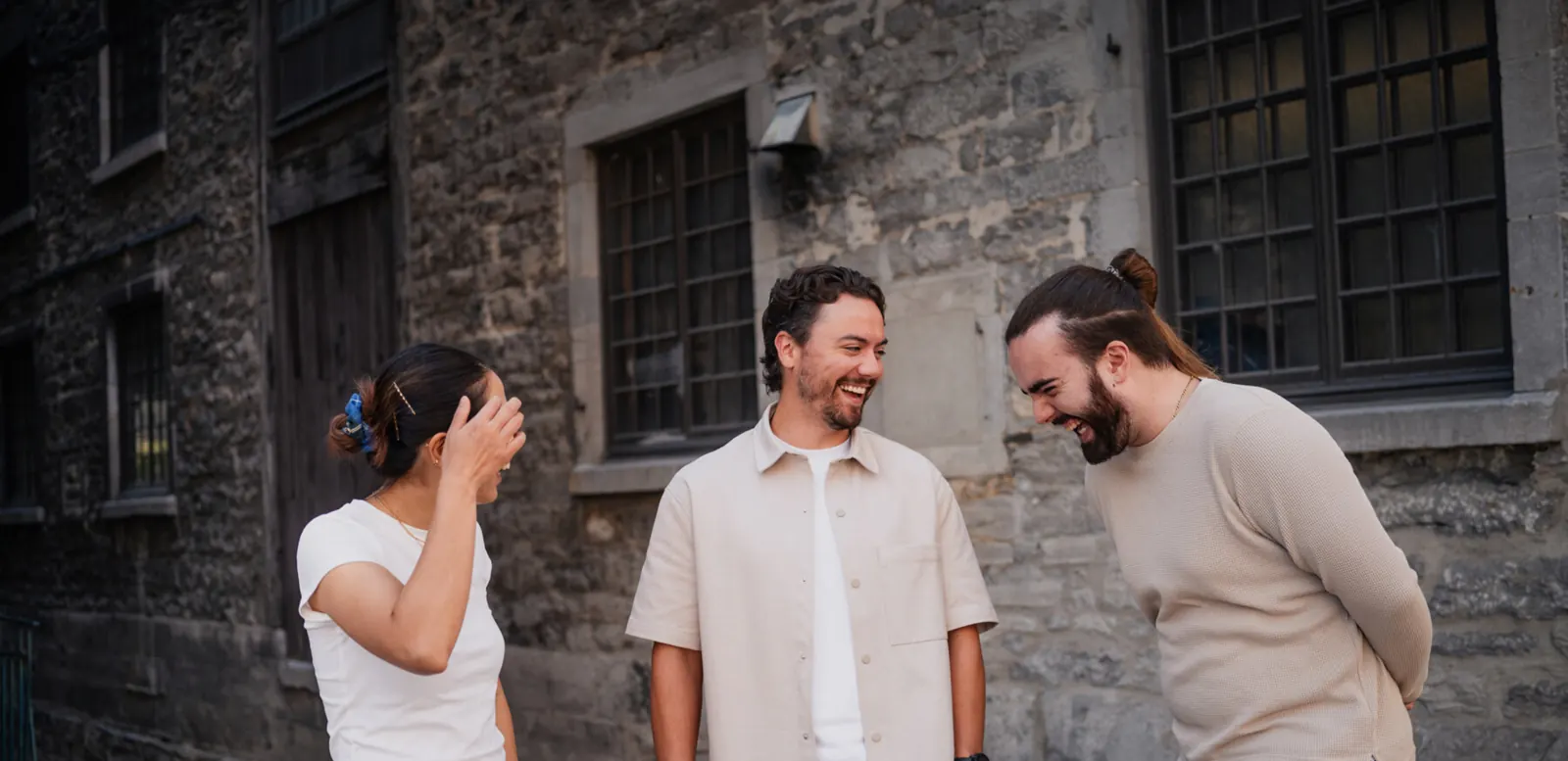
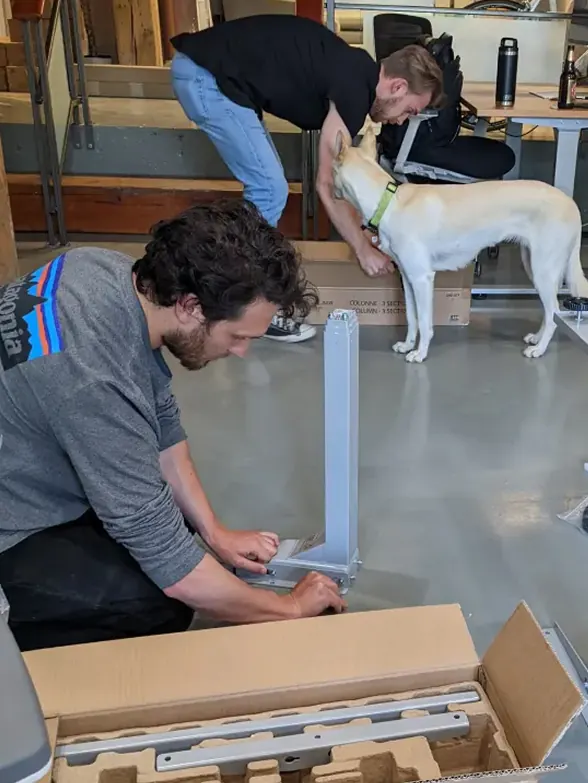


The examples are clinia.com sections rebuilt at their real desktop size, a 1425px row, then scaled down as a whole: every photo, type size and gap keeps its true proportion. Open the site for the full-size version.
Example

Product
We design and build the infrastructure that makes health data usable.
Product
We design and build the infrastructure that makes health data usable.
Accessibility: write real alt text for every informative image: for a portrait, the person's name. A decorative photo takes alt="" to prevent overloading screen readers with decorative information.